
Split PDF by File Size
Split a PDF into files under a maximum size. Break a large PDF into smaller parts so each one stays under the size limit for email or upload forms.
- 100% private
- No upload
- Free, no sign-up
- Fast
How to Split PDF by File Size online
3 simple steps. No software to install.
-
1
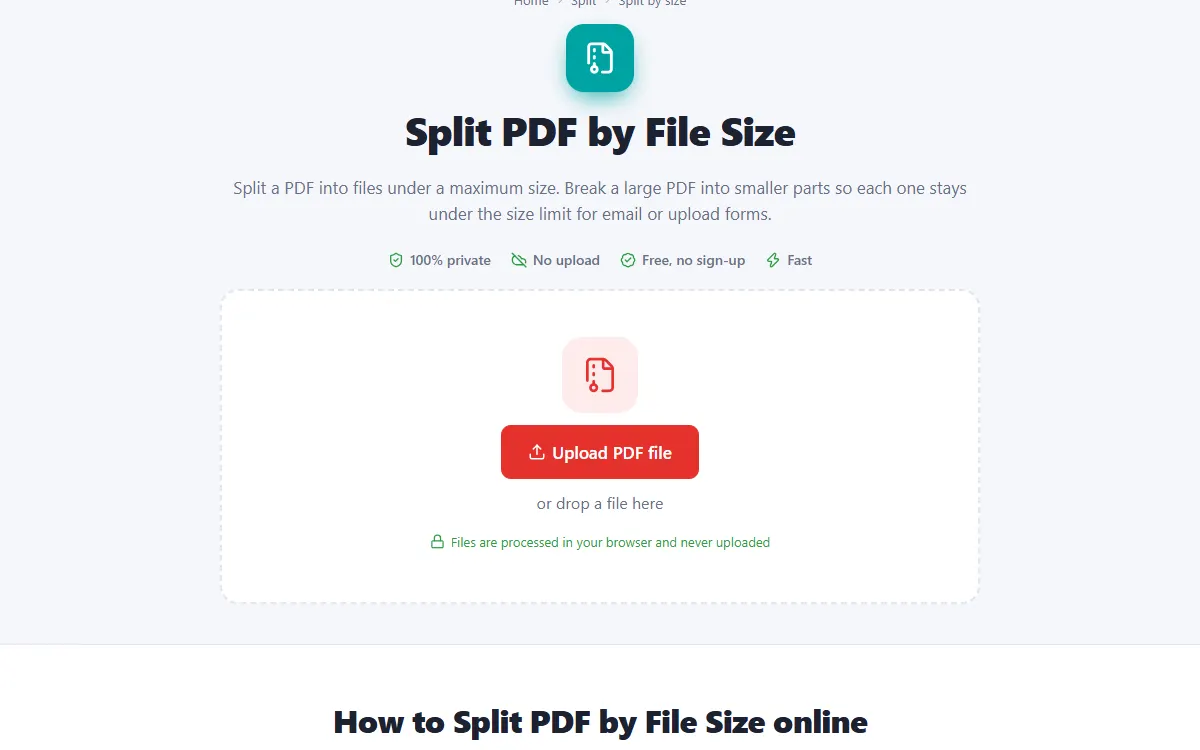
Upload your large PDF
Click the upload button or drag and drop your large PDF onto the page. Nothing is sent to a server: the file opens right in your browser.
-
2
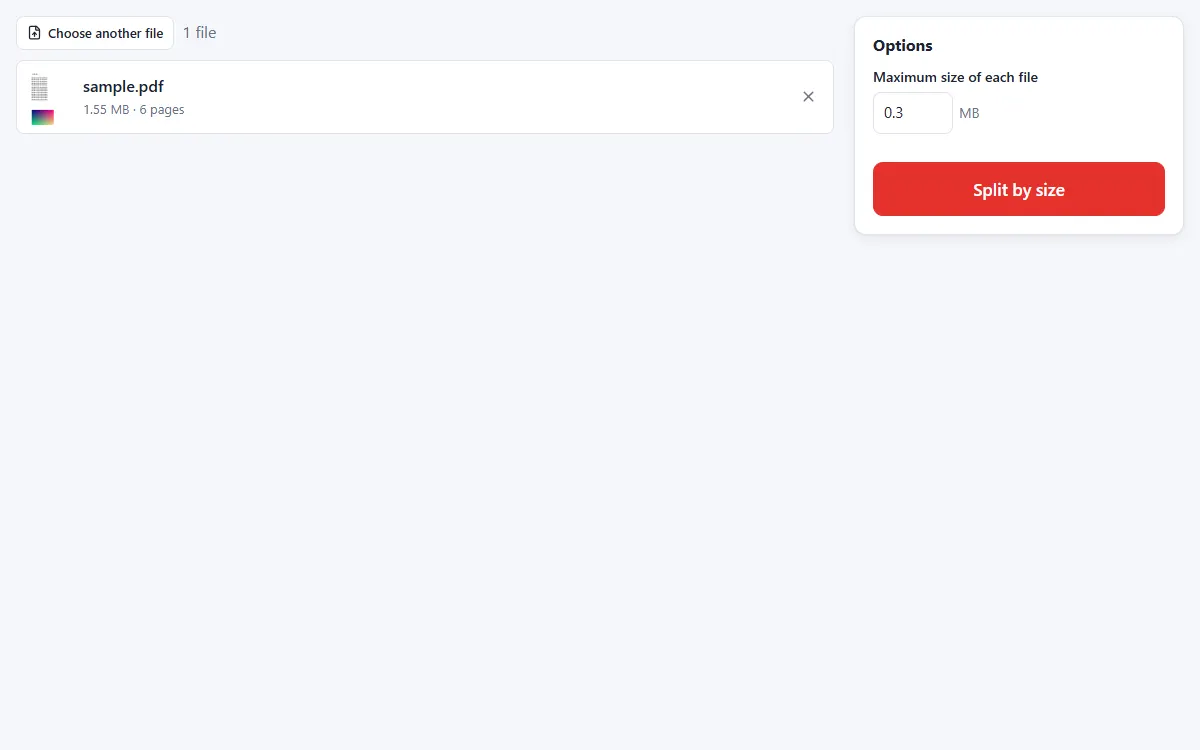
Set the maximum size
Enter the largest file size you need, for example 5 MB for email attachments.
-
3
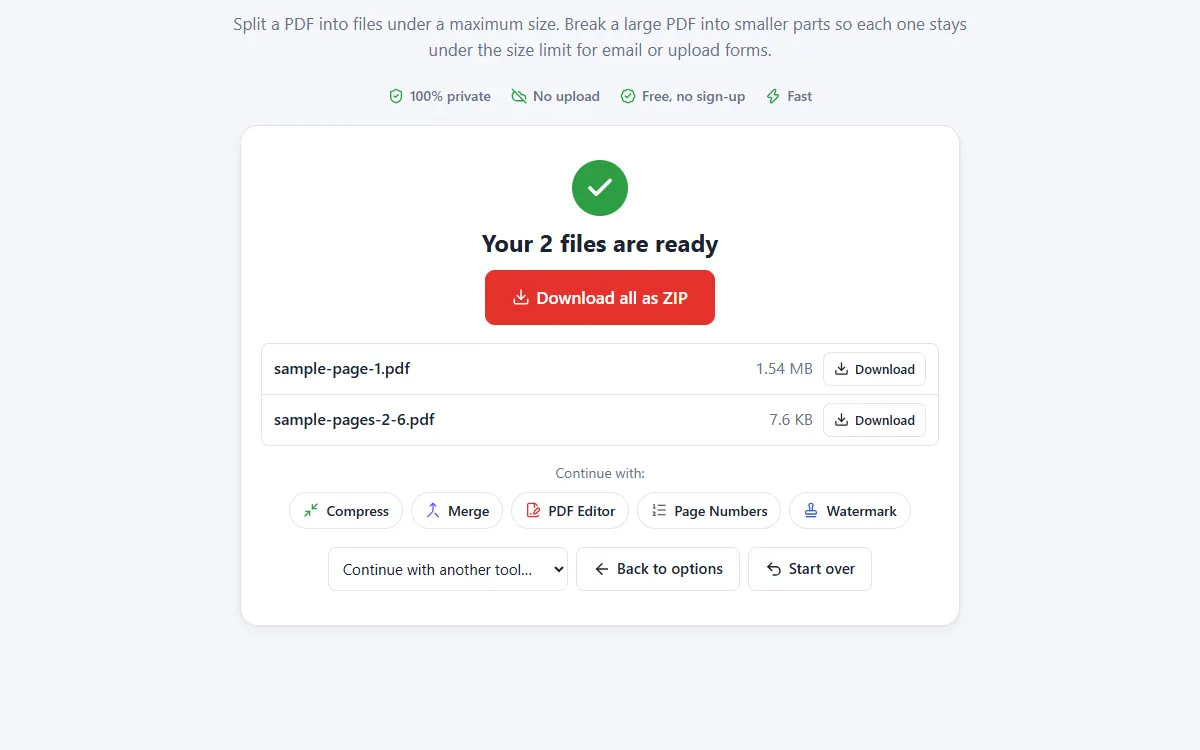
Download the parts
Get as few parts as possible, each under your size limit.
Why use our Split by size tool
Exact size check
Every part is measured, not estimated, so it really fits your limit.
Email ready
Stay under the attachment limits of email and upload forms.
Private and secure
Files are processed on your own device. They are never uploaded, stored or seen by anyone.
Free, no sign-up
No account, no email and no watermark on your documents.
Fast
No waiting for uploads and downloads: results are ready in seconds.
Works everywhere
Windows, Mac, Linux, Android and iPhone, in any modern browser.
Split by size: frequently asked questions
What if one page is bigger than the limit?
That page is saved on its own and you get a warning. Compress the PDF first to make it smaller.
Are pages kept in order?
Yes. Parts follow the original page order.
Is Split by size free to use?
Yes. PDFNest is free, needs no account and never adds a watermark.
Are my files safe?
Yes. Your files are processed inside your browser and are never uploaded to a server, so nobody else can access them.
Does it work on my phone?
Yes. It works in any modern browser on Android and iPhone as well as on computers. Large files are faster on a computer.