
Add Header & Footer to PDF
Add text headers and footers to pages. Add headers and footers with page numbers, dates and file names in any corner or center.
- 100% private
- No upload
- Free, no sign-up
- Fast
How to Add Header & Footer to PDF online
3 simple steps. No software to install.
-
1
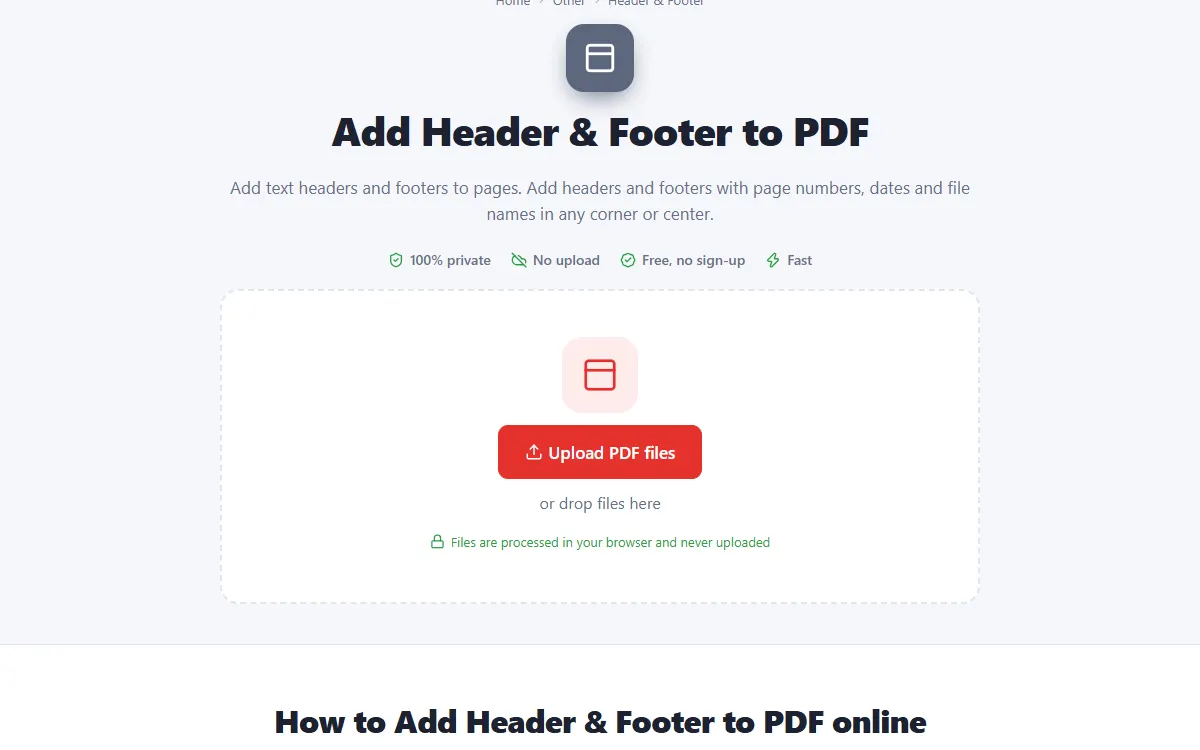
Upload your PDF files
Click the upload button or drag and drop your PDF files onto the page. Nothing is sent to a server: the file opens right in your browser.
-
2
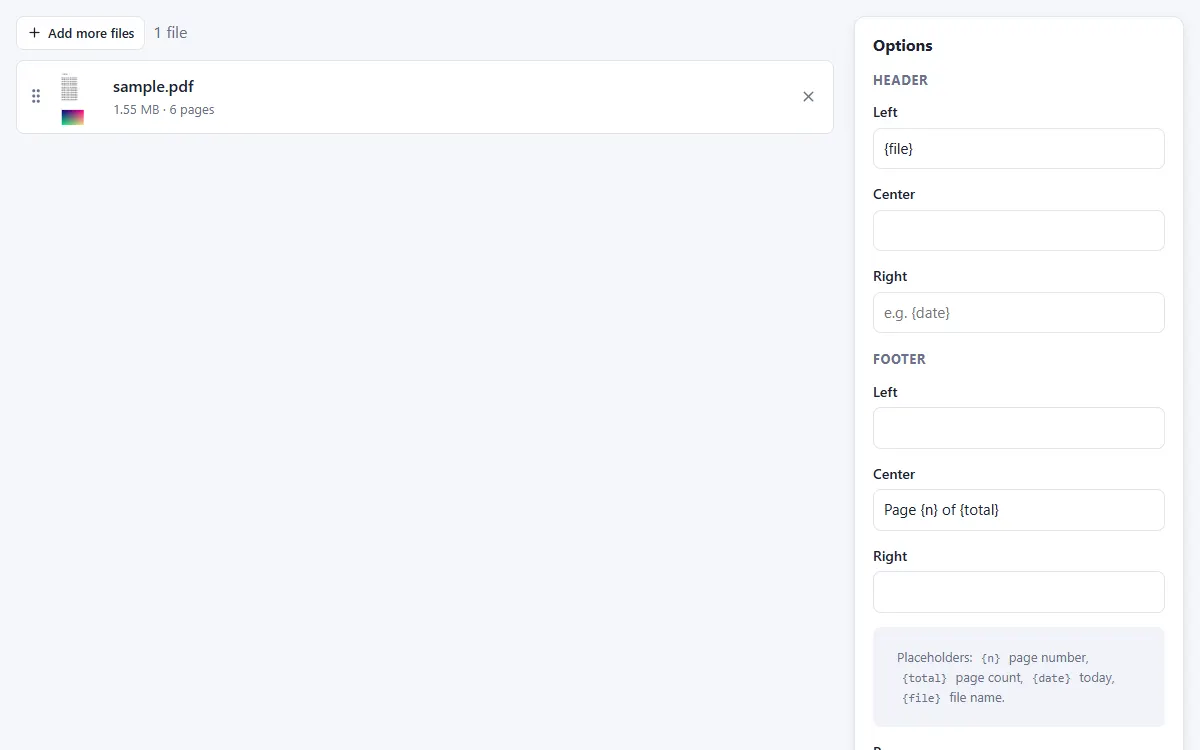
Write the header and footer
Fill in left, center and right text. Use {n}, {total}, {date} and {file} for automatic values.
-
3
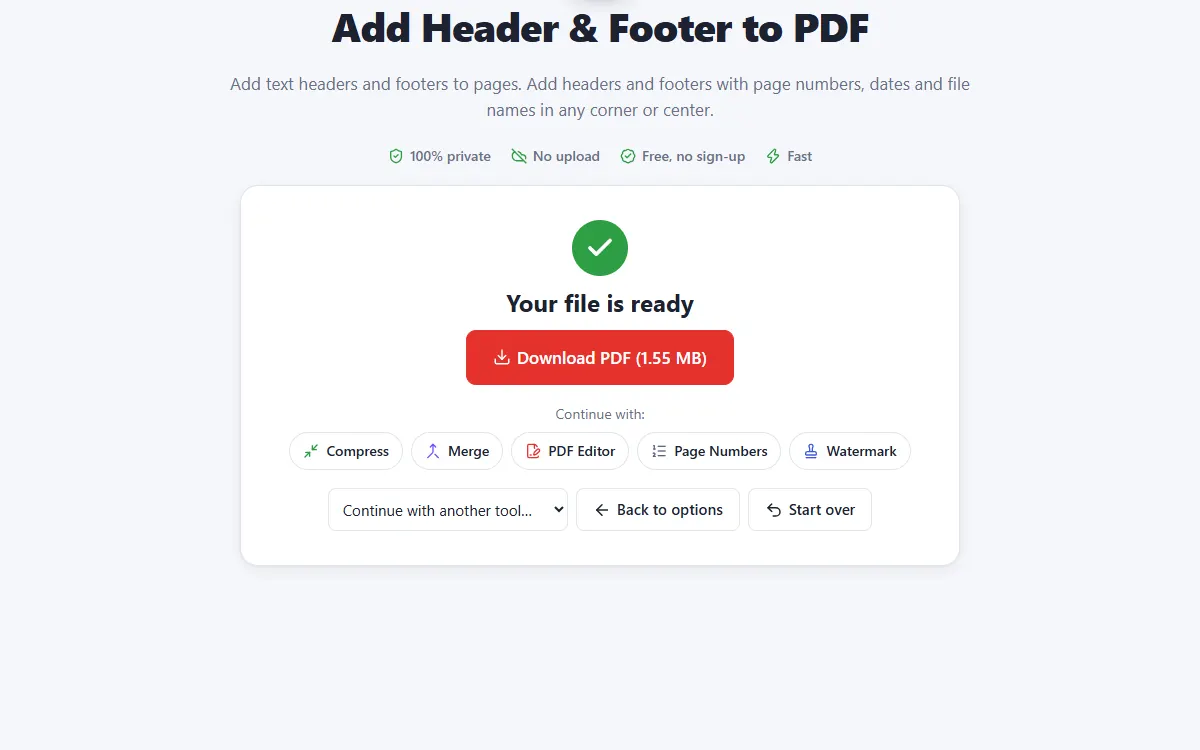
Download the PDF
Headers and footers are added to all pages or selected pages.
Why use our Header & Footer tool
Six positions
Left, center and right, at the top and bottom.
Automatic fields
Page numbers, page count, today's date and the file name.
Private and secure
Files are processed on your own device. They are never uploaded, stored or seen by anyone.
Free, no sign-up
No account, no email and no watermark on your documents.
Fast
No waiting for uploads and downloads: results are ready in seconds.
Works everywhere
Windows, Mac, Linux, Android and iPhone, in any modern browser.
Header & Footer: frequently asked questions
Can I skip the first page?
Yes. Enter 2- in Pages to start at page 2.
Can I change the font?
Choose Helvetica, Times or Courier in any size and color.
Is Header & Footer free to use?
Yes. PDFNest is free, needs no account and never adds a watermark.
Are my files safe?
Yes. Your files are processed inside your browser and are never uploaded to a server, so nobody else can access them.
Does it work on my phone?
Yes. It works in any modern browser on Android and iPhone as well as on computers. Large files are faster on a computer.