
Create Fillable PDF Forms
Add fillable form fields to a PDF. Turn any PDF into a fillable form by adding text fields, multiline boxes, checkboxes, dropdowns and radio buttons.
- 100% private
- No upload
- Free, no sign-up
- Fast
How to Create Fillable PDF Forms online
3 simple steps. No software to install.
-
1
Upload your PDF
Click the upload button or drag and drop your PDF onto the page. Nothing is sent to a server: the file opens right in your browser.

-
2
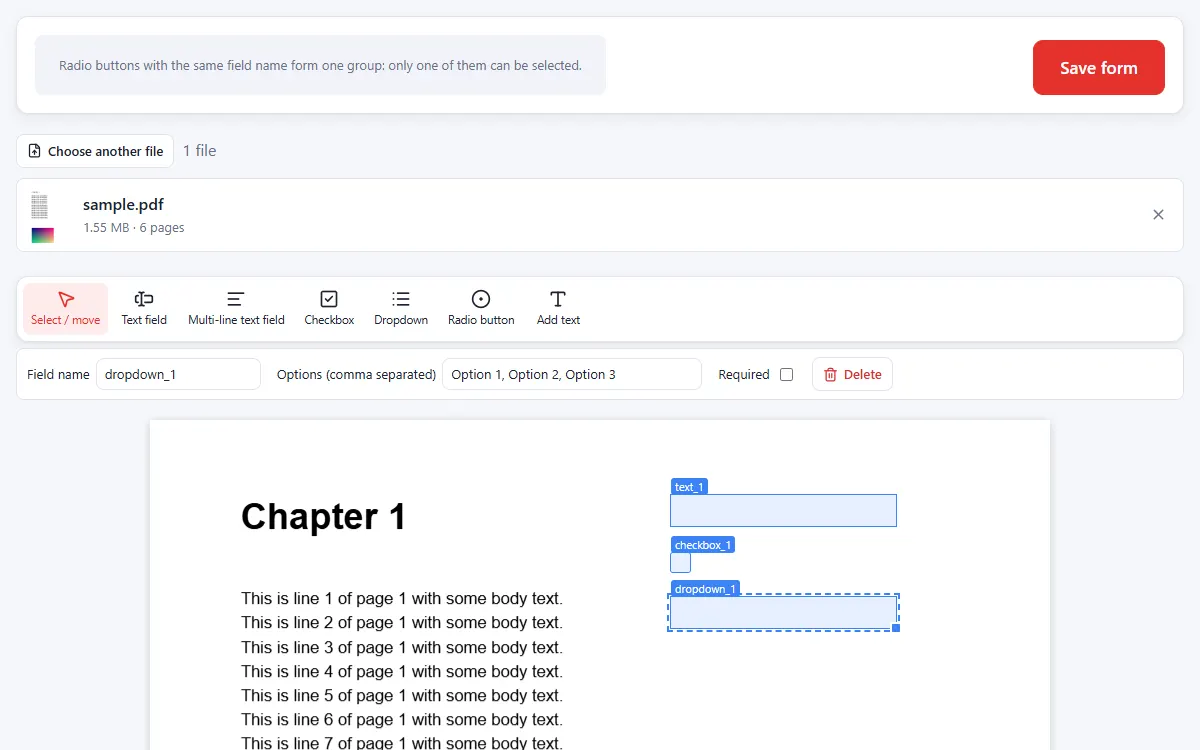
Add form fields
Drag on the page to add text boxes, multi-line fields, checkboxes, dropdowns and radio buttons. Name each field and set options.
-
3
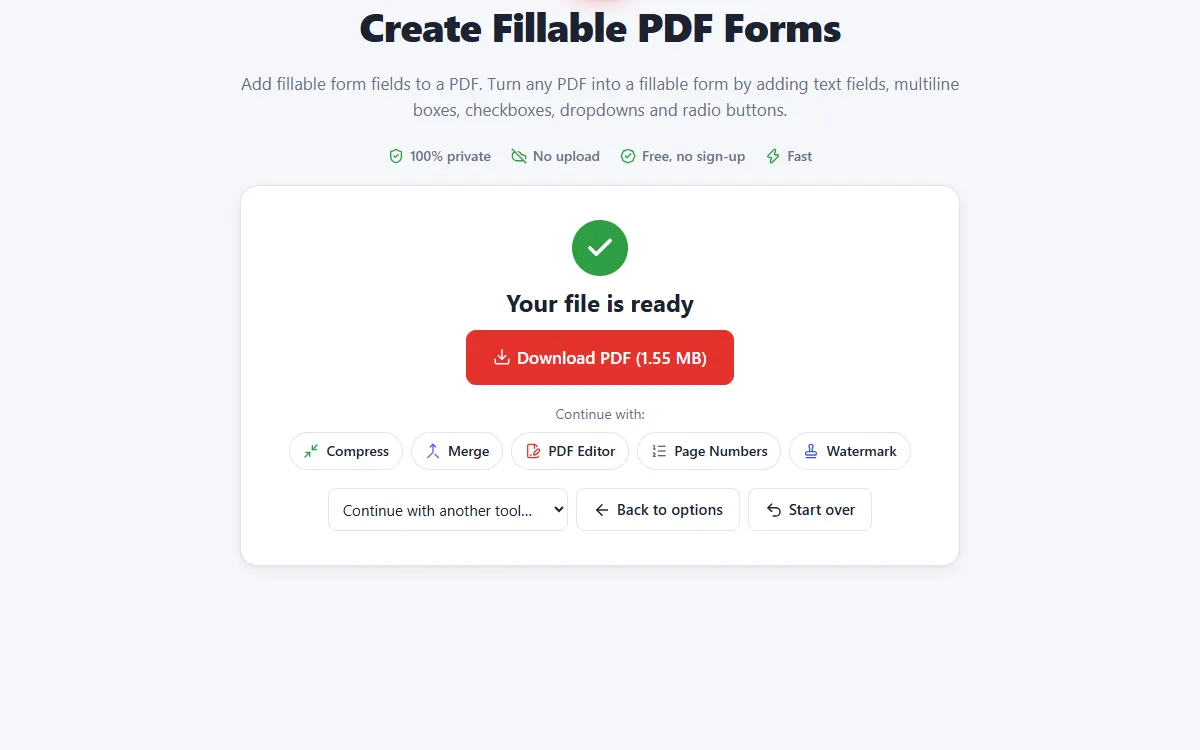
Save the fillable PDF
Download a PDF that anyone can fill in with a PDF reader.
Why use our Create Forms tool
All common fields
Text, multi-line text, checkbox, dropdown and radio button fields.
Required fields
Mark fields as required and set font sizes.
Private and secure
Files are processed on your own device. They are never uploaded, stored or seen by anyone.
Free, no sign-up
No account, no email and no watermark on your documents.
Fast
No waiting for uploads and downloads: results are ready in seconds.
Works everywhere
Windows, Mac, Linux, Android and iPhone, in any modern browser.
Create Forms: frequently asked questions
Will the form work in Adobe Reader?
Yes. Standard AcroForm fields are created that work in all common PDF readers and browsers.
How do radio buttons work?
Radio buttons with the same field name form a group where only one can be selected.
Is Create Forms free to use?
Yes. PDFNest is free, needs no account and never adds a watermark.
Are my files safe?
Yes. Your files are processed inside your browser and are never uploaded to a server, so nobody else can access them.
Does it work on my phone?
Yes. It works in any modern browser on Android and iPhone as well as on computers. Large files are faster on a computer.