
Delete PDF Pages
Remove pages from a PDF document. Click the pages you want to remove, or type page ranges, and download a PDF without them.
- 100% private
- No upload
- Free, no sign-up
- Fast
How to Delete PDF Pages online
3 simple steps. No software to install.
-
1
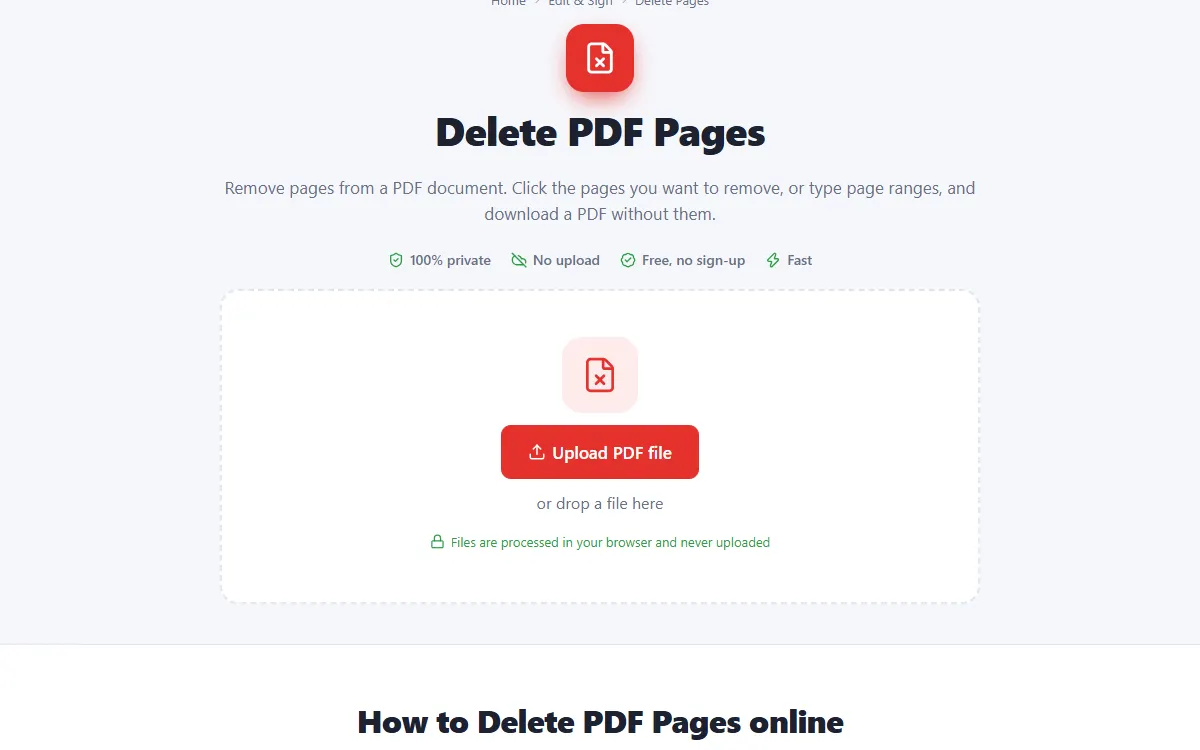
Upload your PDF
Click the upload button or drag and drop your PDF onto the page. Nothing is sent to a server: the file opens right in your browser.
-
2
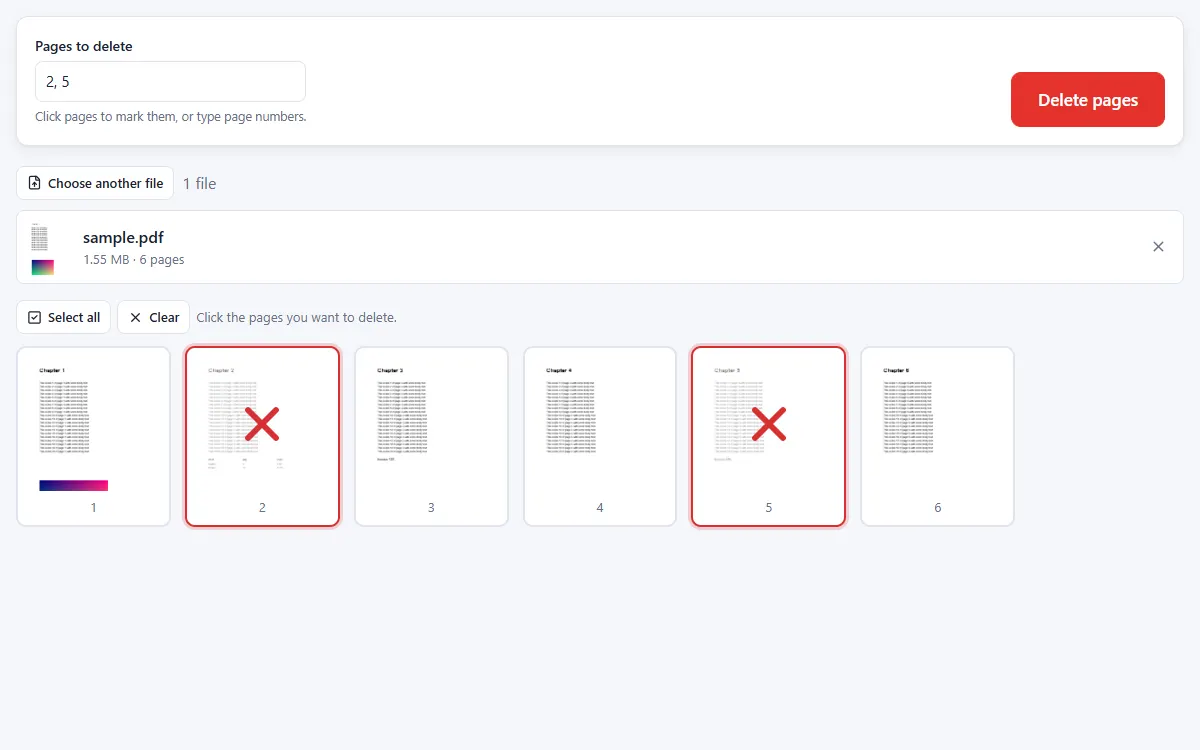
Mark the pages to delete
Click the pages you want to remove or type page numbers such as 2, 5-7, last.
-
3
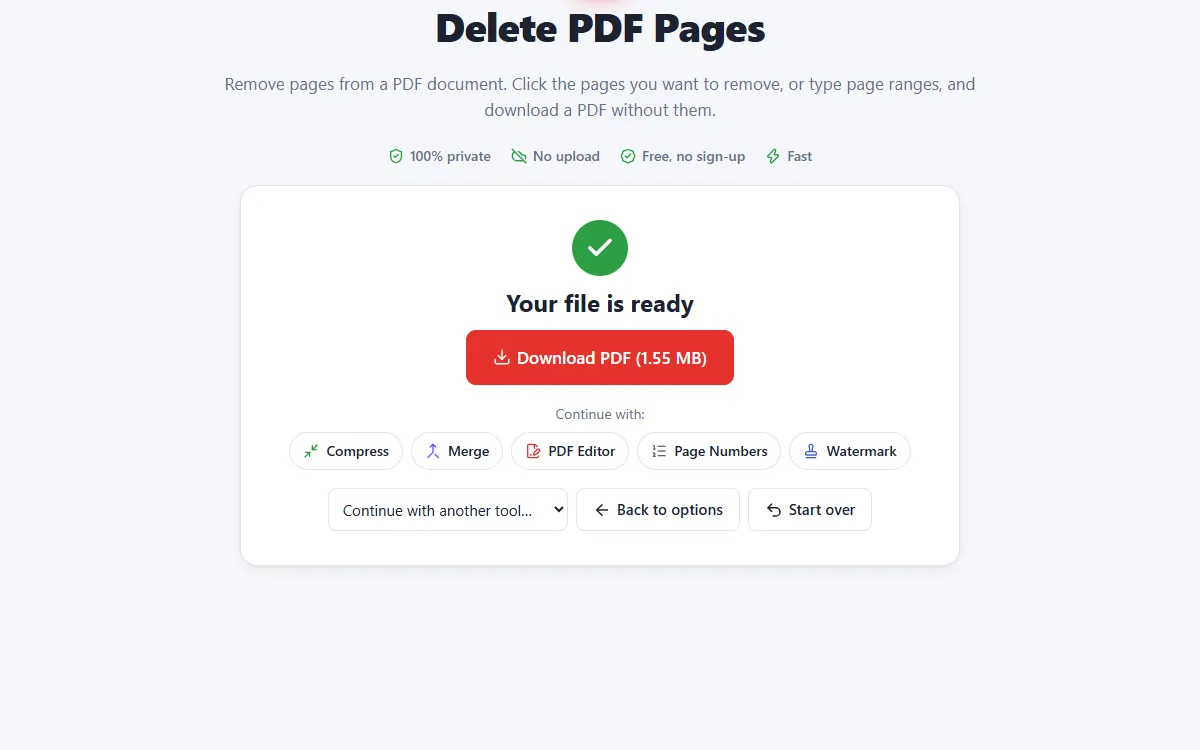
Download the PDF
Click "Delete pages" and download the document without them.
Why use our Delete Pages tool
Visual selection
Pages you mark are clearly crossed out before you delete them.
Keeps everything else
Links, bookmarks and form fields on remaining pages are preserved.
Private and secure
Files are processed on your own device. They are never uploaded, stored or seen by anyone.
Free, no sign-up
No account, no email and no watermark on your documents.
Fast
No waiting for uploads and downloads: results are ready in seconds.
Works everywhere
Windows, Mac, Linux, Android and iPhone, in any modern browser.
Delete Pages: frequently asked questions
Can I delete several pages at once?
Yes. Select as many pages as you like, or type ranges.
Can I get deleted pages back?
Your original file is never changed, so just open it again.
Is Delete Pages free to use?
Yes. PDFNest is free, needs no account and never adds a watermark.
Are my files safe?
Yes. Your files are processed inside your browser and are never uploaded to a server, so nobody else can access them.
Does it work on my phone?
Yes. It works in any modern browser on Android and iPhone as well as on computers. Large files are faster on a computer.