
Extract Images from PDF
Save all images inside a PDF. Extract the images embedded in a PDF and download them as PNG or JPG files.
- 100% private
- No upload
- Free, no sign-up
- Fast
How to Extract Images from PDF online
3 simple steps. No software to install.
-
1
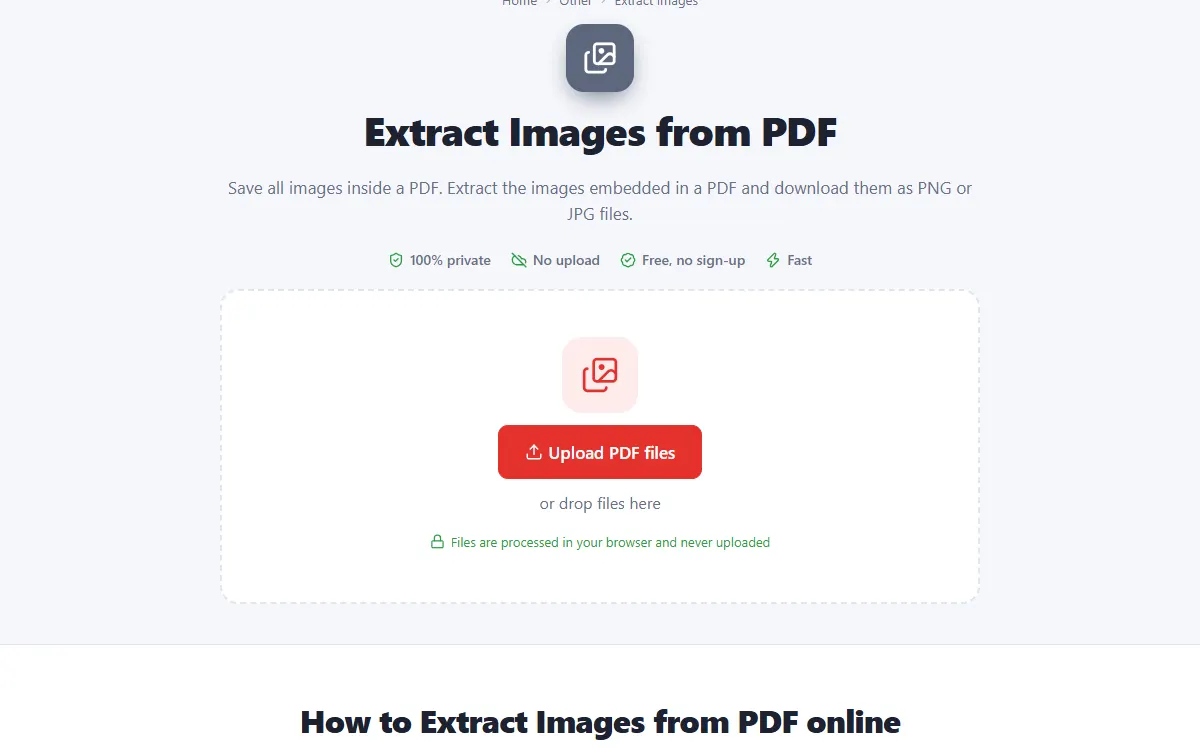
Upload your PDF files
Click the upload button or drag and drop your PDF files onto the page. Nothing is sent to a server: the file opens right in your browser.
-
2
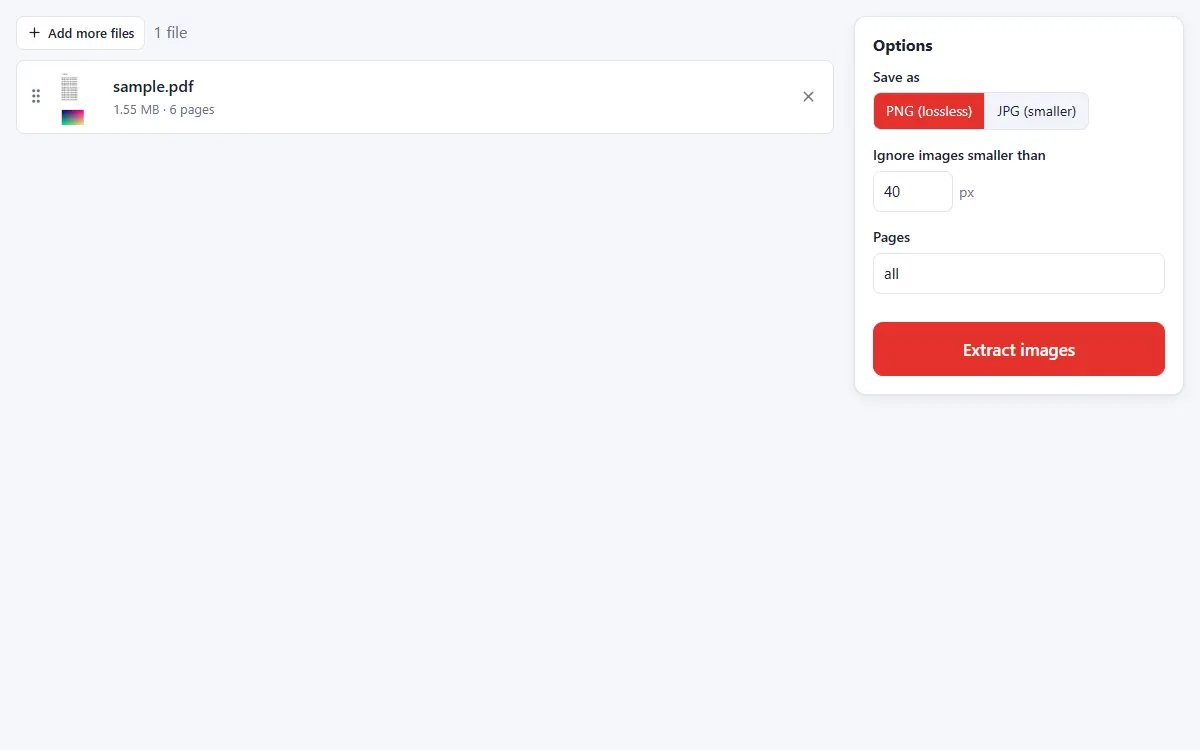
Choose the format
Save images as lossless PNG or smaller JPG, and skip tiny images like icons.
-
3
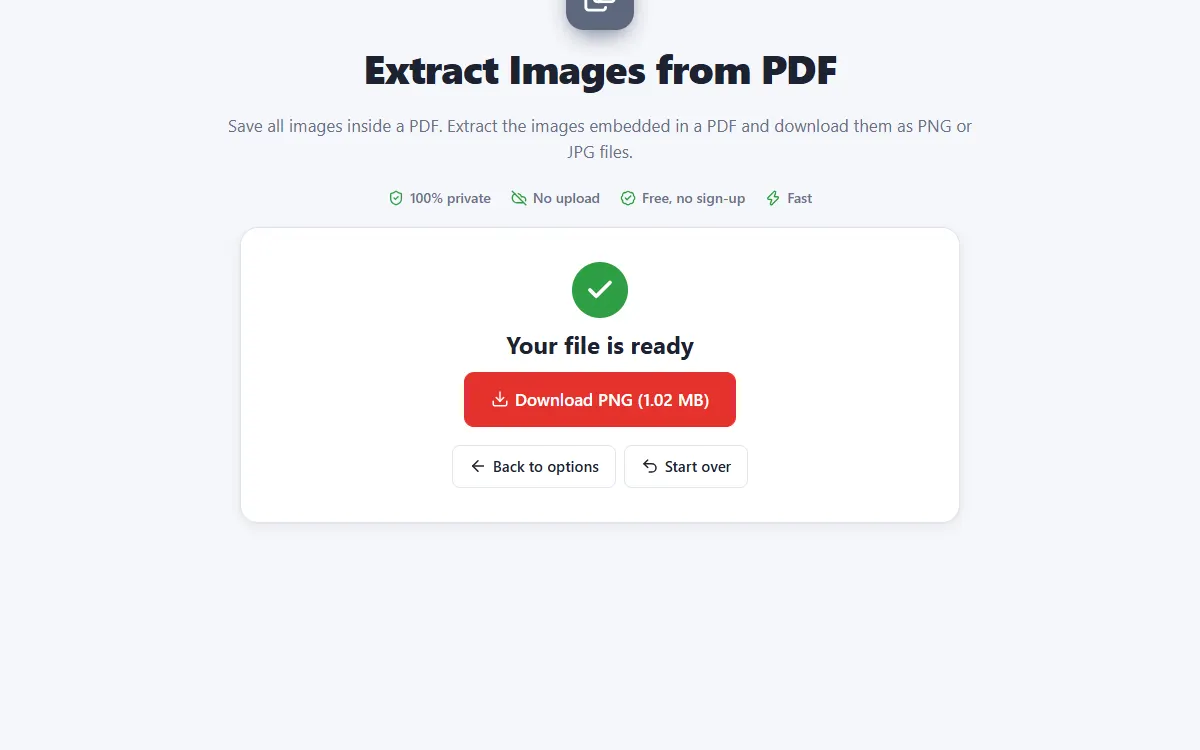
Download the images
All images are collected in one ZIP file, named by page.
Why use our Extract Images tool
Original resolution
Images are saved at the resolution they have inside the PDF.
Skip small images
Ignore icons and decorations below a size you choose.
Private and secure
Files are processed on your own device. They are never uploaded, stored or seen by anyone.
Free, no sign-up
No account, no email and no watermark on your documents.
Fast
No waiting for uploads and downloads: results are ready in seconds.
Works everywhere
Windows, Mac, Linux, Android and iPhone, in any modern browser.
Extract Images: frequently asked questions
Is this the same as PDF to JPG?
No. PDF to JPG takes a picture of each whole page; this tool saves the separate images inside it.
Why are no images found?
Some drawings are vector graphics, not images. Use PDF to JPG instead.
Is Extract Images free to use?
Yes. PDFNest is free, needs no account and never adds a watermark.
Are my files safe?
Yes. Your files are processed inside your browser and are never uploaded to a server, so nobody else can access them.
Does it work on my phone?
Yes. It works in any modern browser on Android and iPhone as well as on computers. Large files are faster on a computer.