
Merge PDF Files
Combine several PDF files into one document. Join PDF files in the order you choose. Pick page ranges per file, add a bookmark for each file and make double-sided printing easier with blank pages.
- 100% private
- No upload
- Free, no sign-up
- Fast
How to Merge PDF Files online
3 simple steps. No software to install.
-
1
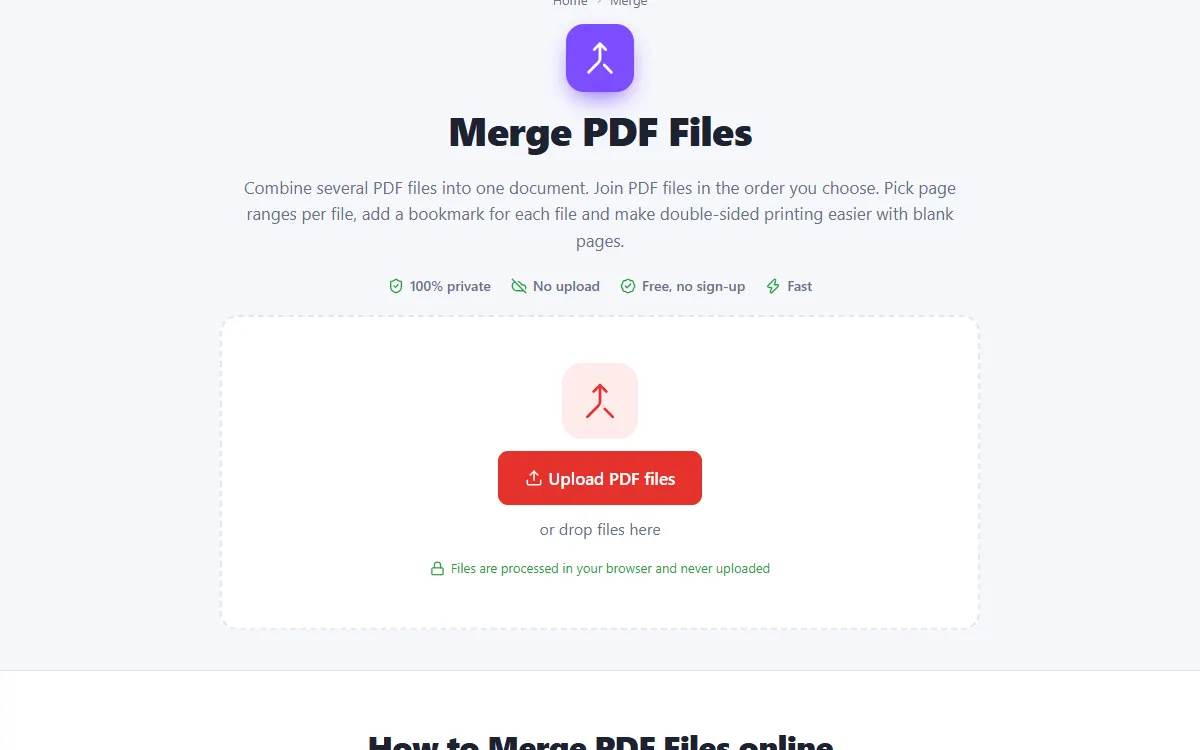
Upload your PDF files
Click the upload button or drag and drop your PDF files onto the page. Nothing is sent to a server: the file opens right in your browser.
-
2
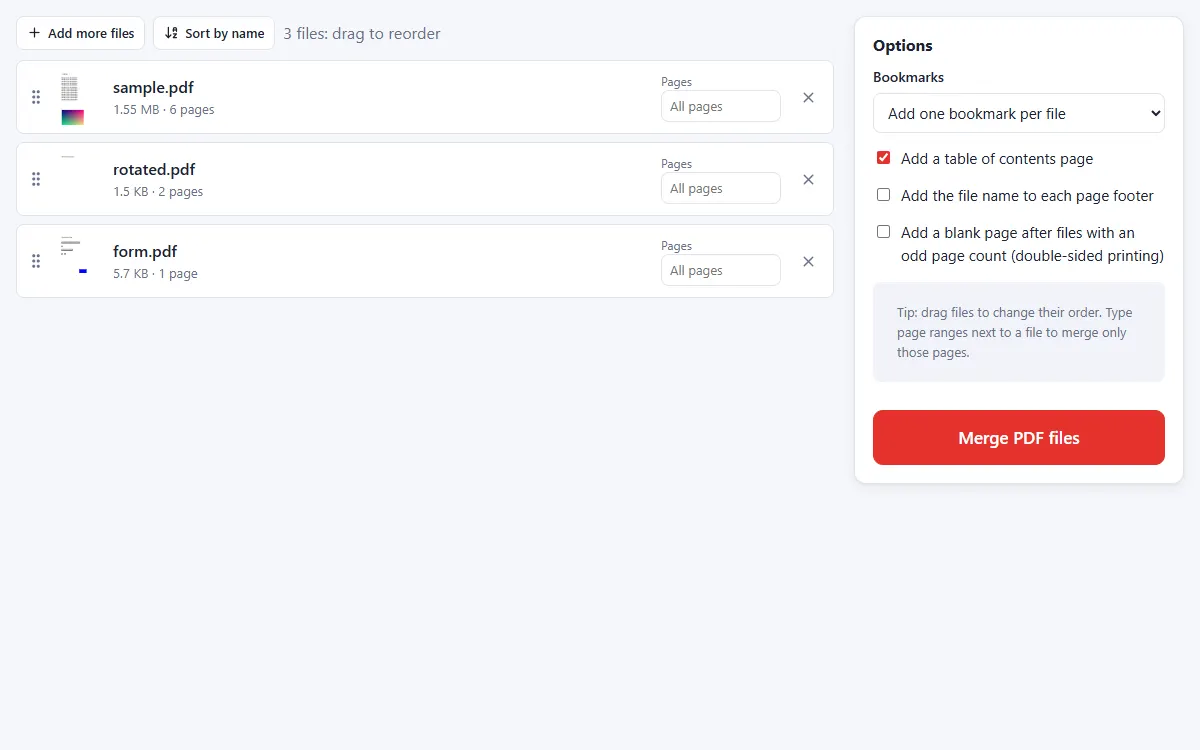
Arrange the files
Drag files into the order you want. Type page ranges next to a file to include only some pages, and add bookmarks or a table of contents if you like.
-
3
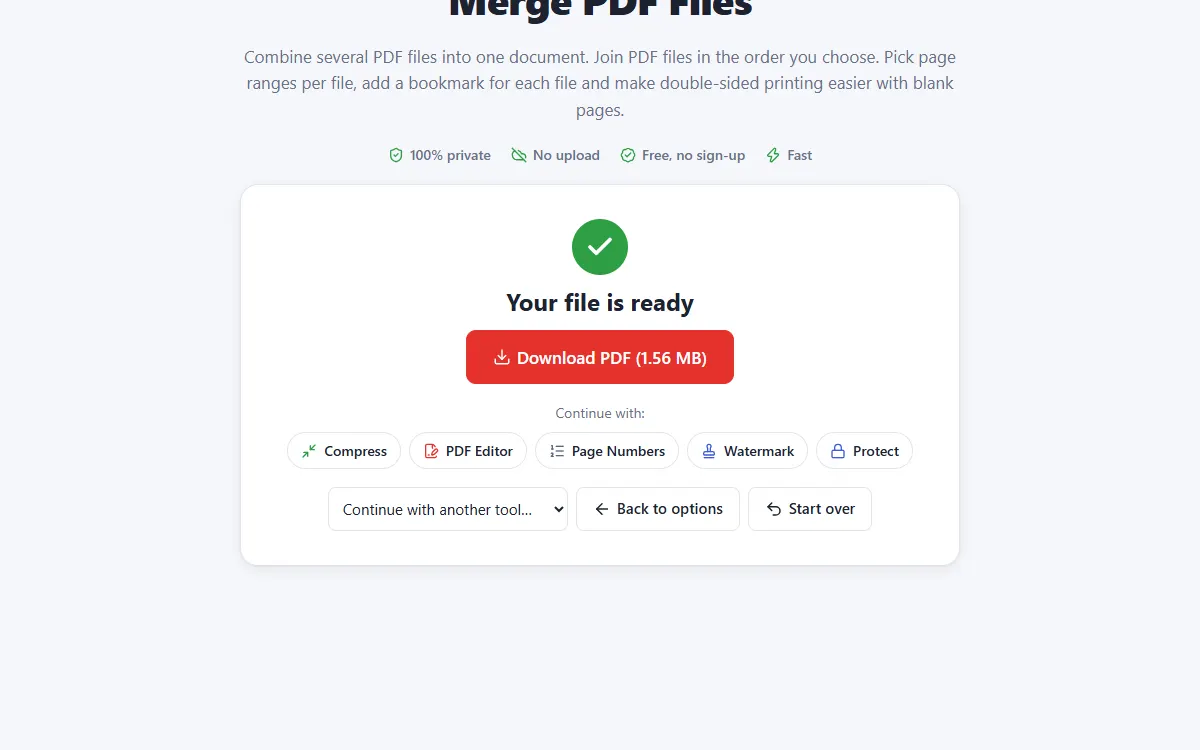
Merge and download
Click "Merge PDF files". Your combined PDF is ready to download in seconds.
Why use our Merge tool
Any order, any pages
Reorder files by dragging and pick exact page ranges from each one.
Bookmarks & contents
Get one bookmark per file and an optional clickable table of contents.
Private and secure
Files are processed on your own device. They are never uploaded, stored or seen by anyone.
Free, no sign-up
No account, no email and no watermark on your documents.
Fast
No waiting for uploads and downloads: results are ready in seconds.
Works everywhere
Windows, Mac, Linux, Android and iPhone, in any modern browser.
Merge: frequently asked questions
How many PDFs can I merge?
There is no fixed limit. Because merging happens on your device, very large jobs only depend on your computer's memory.
Will the merged PDF keep links and quality?
Yes. Pages are copied as they are, so text stays sharp and searchable and images are not recompressed.
Is Merge free to use?
Yes. PDFNest is free, needs no account and never adds a watermark.
Are my files safe?
Yes. Your files are processed inside your browser and are never uploaded to a server, so nobody else can access them.
Does it work on my phone?
Yes. It works in any modern browser on Android and iPhone as well as on computers. Large files are faster on a computer.