
Compress PDF
Reduce the file size of your PDF. Shrink PDF files by recompressing and downscaling images and removing unused data, while keeping text sharp.
- 100% private
- No upload
- Free, no sign-up
- Fast
How to Compress PDF online
3 simple steps. No software to install.
-
1
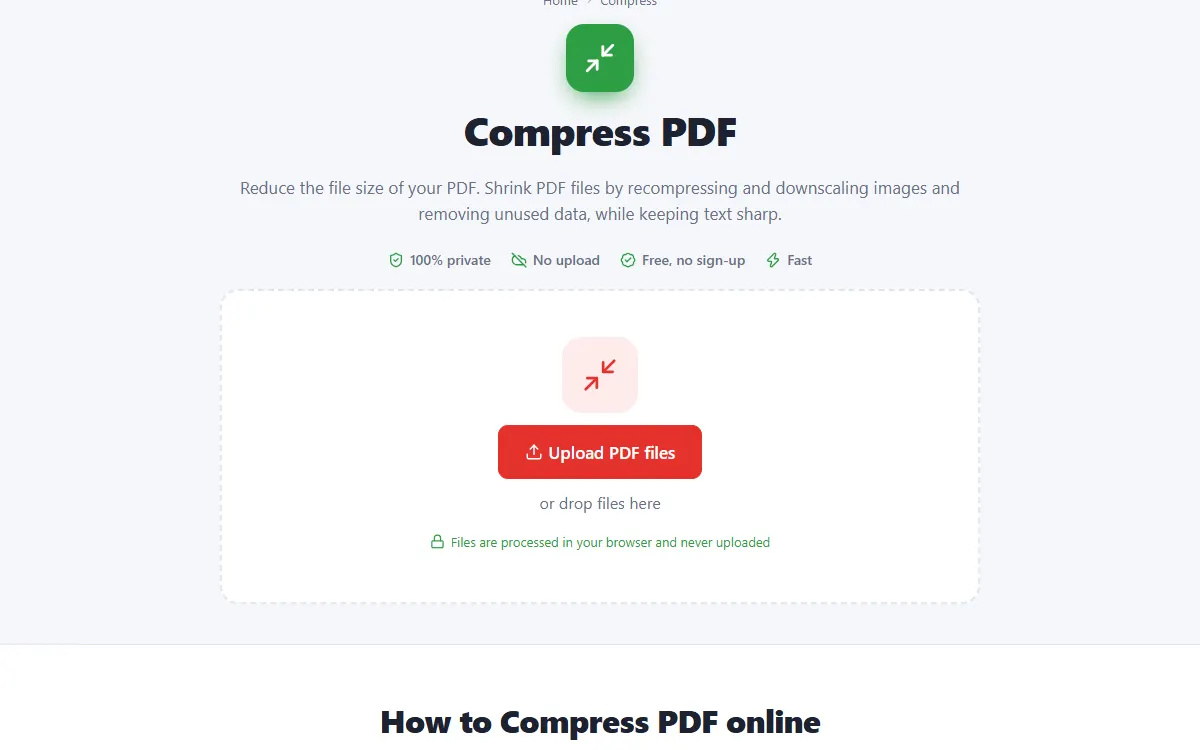
Upload your PDF files
Click the upload button or drag and drop your PDF files onto the page. Nothing is sent to a server: the file opens right in your browser.
-
2
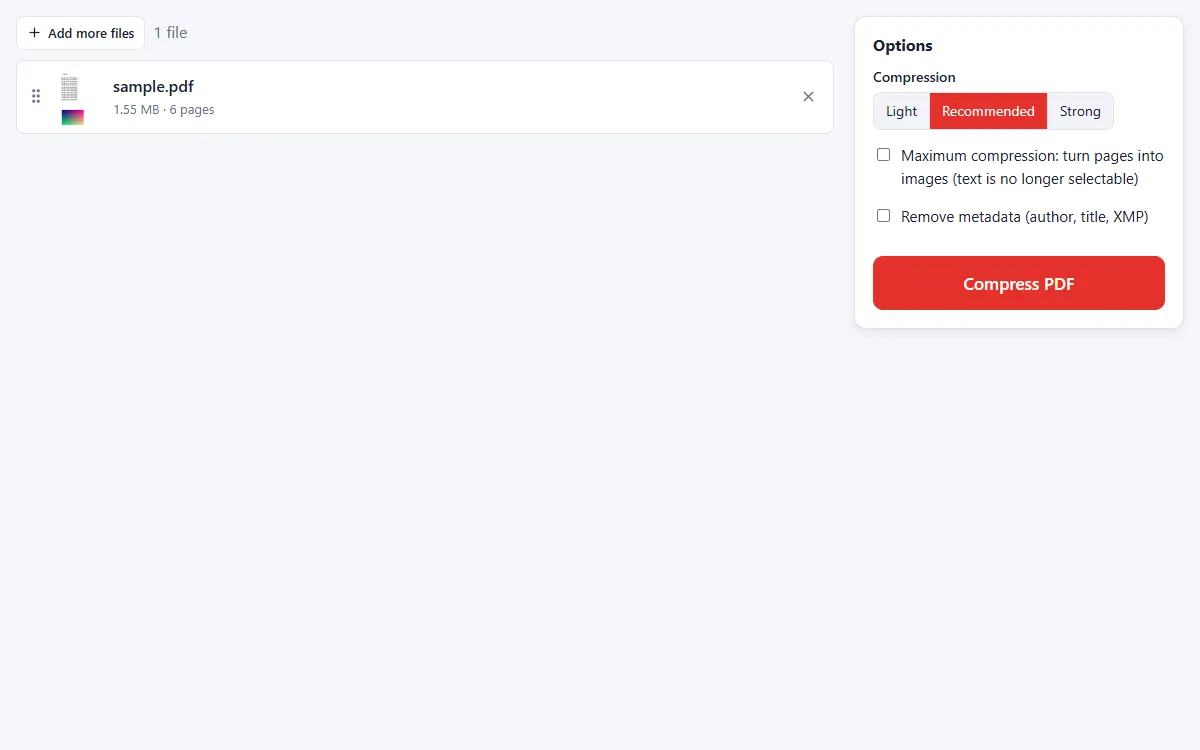
Choose a compression level
Light keeps the best quality, Recommended balances size and quality, Strong makes files as small as possible.
-
3
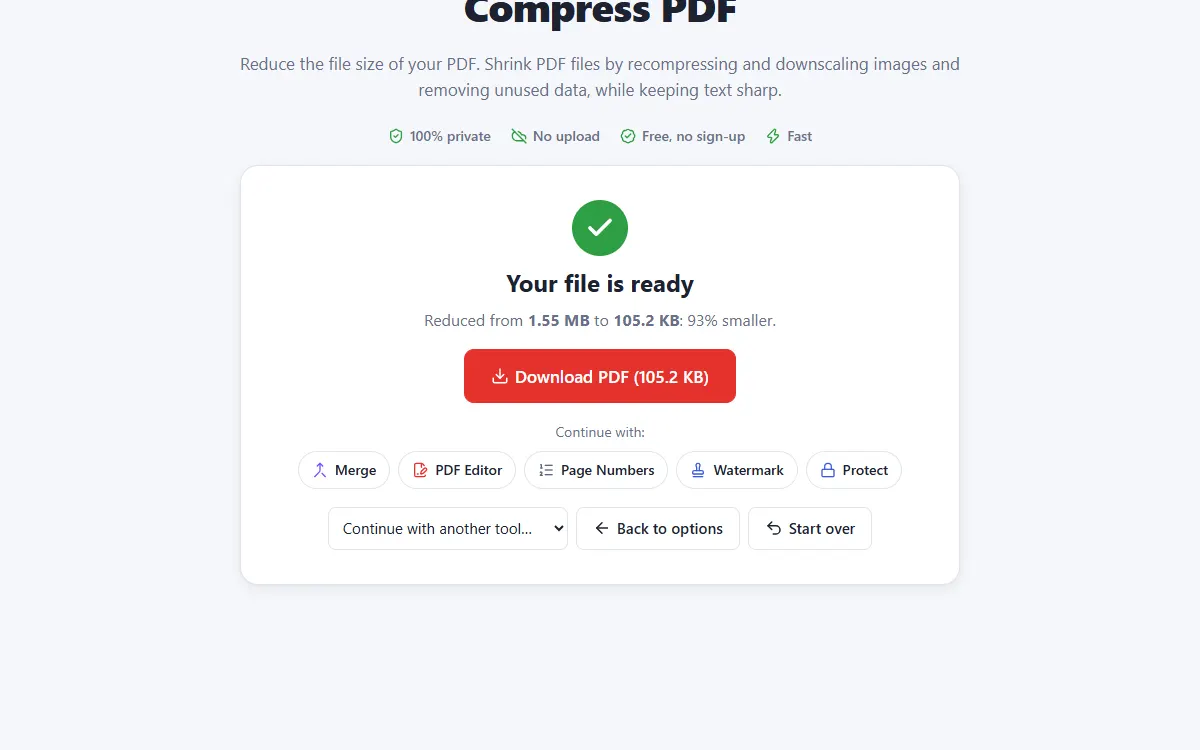
Download the smaller PDF
See how much smaller the file became and download it.
Why use our Compress tool
Smart image compression
Large images are downscaled and recompressed while text stays sharp and selectable.
Never bigger
If a file cannot be made smaller, you get the original back.
Private and secure
Files are processed on your own device. They are never uploaded, stored or seen by anyone.
Free, no sign-up
No account, no email and no watermark on your documents.
Fast
No waiting for uploads and downloads: results are ready in seconds.
Works everywhere
Windows, Mac, Linux, Android and iPhone, in any modern browser.
Compress: frequently asked questions
How much smaller will my PDF be?
Scanned and image-heavy PDFs often shrink by 50–90%. Text-only PDFs are usually already small.
Will the text still be selectable?
Yes, unless you choose maximum compression, which turns pages into images.
Is Compress free to use?
Yes. PDFNest is free, needs no account and never adds a watermark.
Are my files safe?
Yes. Your files are processed inside your browser and are never uploaded to a server, so nobody else can access them.
Does it work on my phone?
Yes. It works in any modern browser on Android and iPhone as well as on computers. Large files are faster on a computer.