
HTML to PDF Converter
Convert web pages or HTML code to PDF. Convert an HTML file, pasted HTML code or a web page address to a PDF document.
- 100% private
- No upload
- Free, no sign-up
- Fast
How to convert HTML to PDF online
3 simple steps. No software to install.
-
1
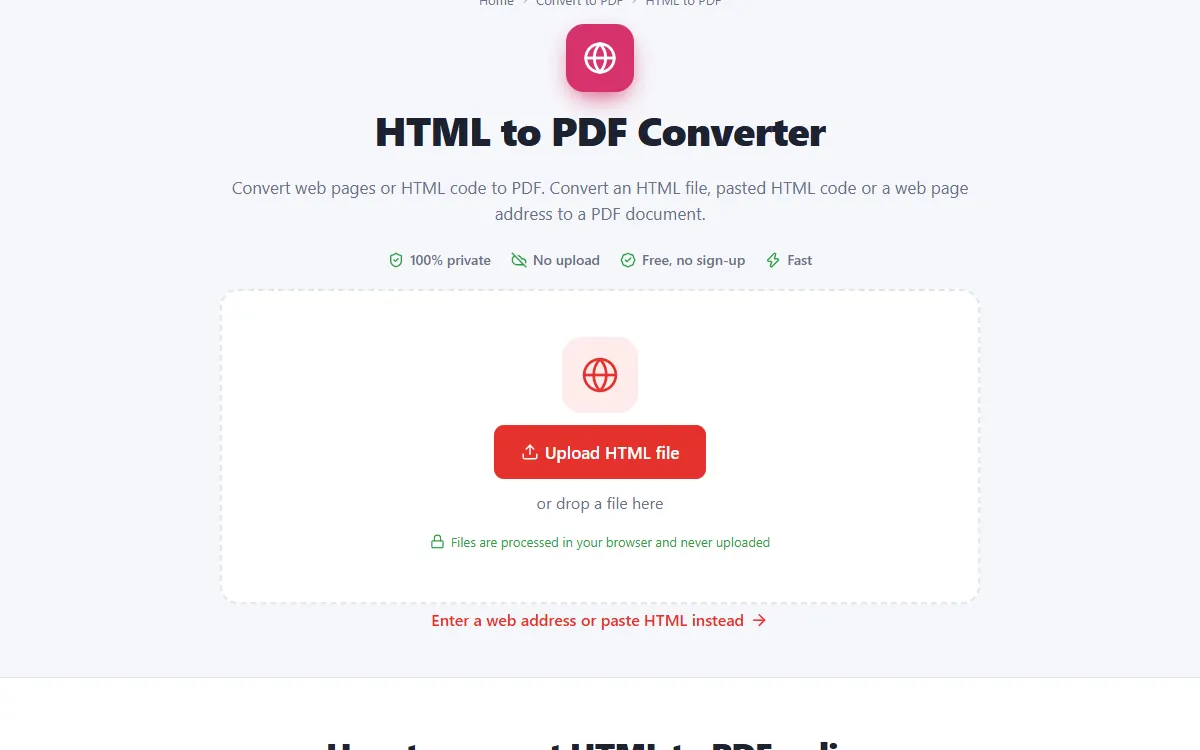
Add your web page
Upload an HTML file, enter a web address or paste HTML code.
-
2
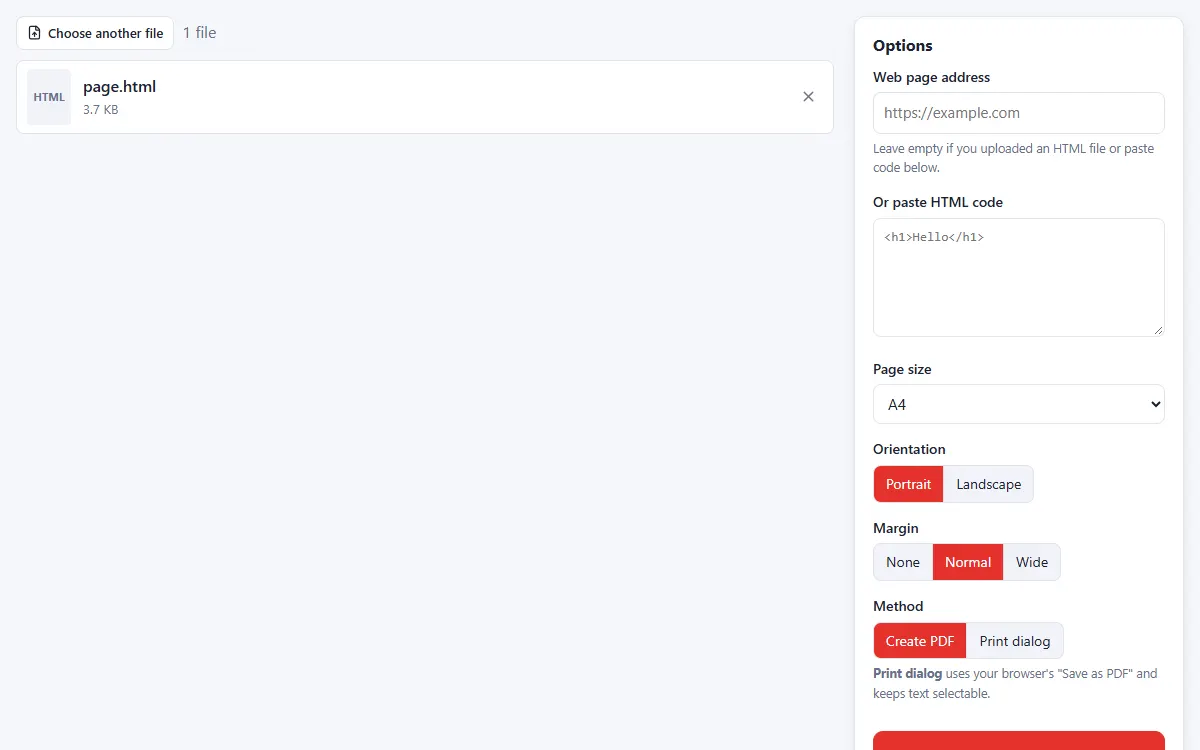
Set up the page
Choose the page size, orientation and margins. Use "Print dialog" for selectable text.
-
3
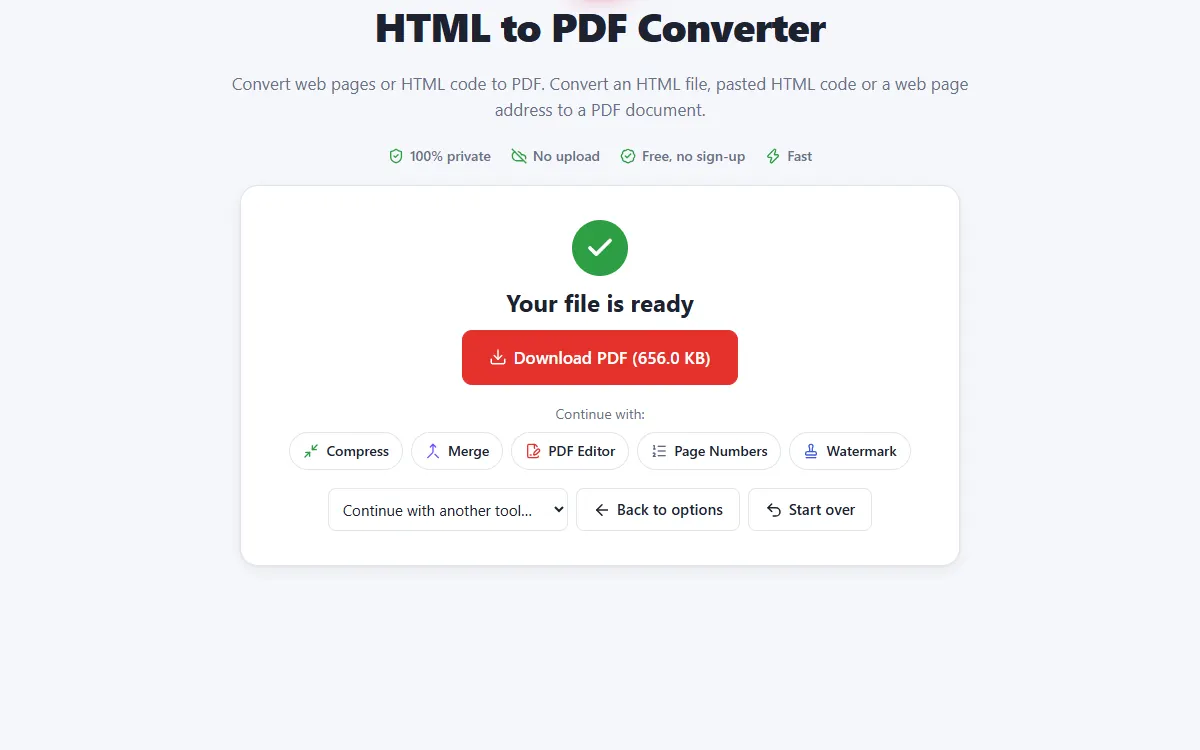
Download the PDF
Long pages are split into pages at clean break points.
Why use our HTML to PDF tool
Any web page
Convert a URL, an HTML file or a code snippet.
Safe
Scripts in the page are removed before rendering.
Private and secure
Files are processed on your own device. They are never uploaded, stored or seen by anyone.
Free, no sign-up
No account, no email and no watermark on your documents.
Fast
No waiting for uploads and downloads: results are ready in seconds.
Works everywhere
Windows, Mac, Linux, Android and iPhone, in any modern browser.
HTML to PDF: frequently asked questions
Why do some images not appear?
Some websites block their images from being used on other sites. Download the page as HTML and try again.
How can I get selectable text?
Choose "Print dialog" and save as PDF from your browser's print window.
Is HTML to PDF free to use?
Yes. PDFNest is free, needs no account and never adds a watermark.
Are my files safe?
Yes. Your files are processed inside your browser and are never uploaded to a server, so nobody else can access them.
Does it work on my phone?
Yes. It works in any modern browser on Android and iPhone as well as on computers. Large files are faster on a computer.
Ready to convert your file?
Free, private and done in seconds, right in your browser.
Convert a web page